Gangsta Casino App for Android & iOS
The Gangsta Casino app gives players quick access to games, payments, bonuses and account settings from smartphones and tablets. It works as a PWA, so users can open it in a browser or add it to the home screen for faster access.
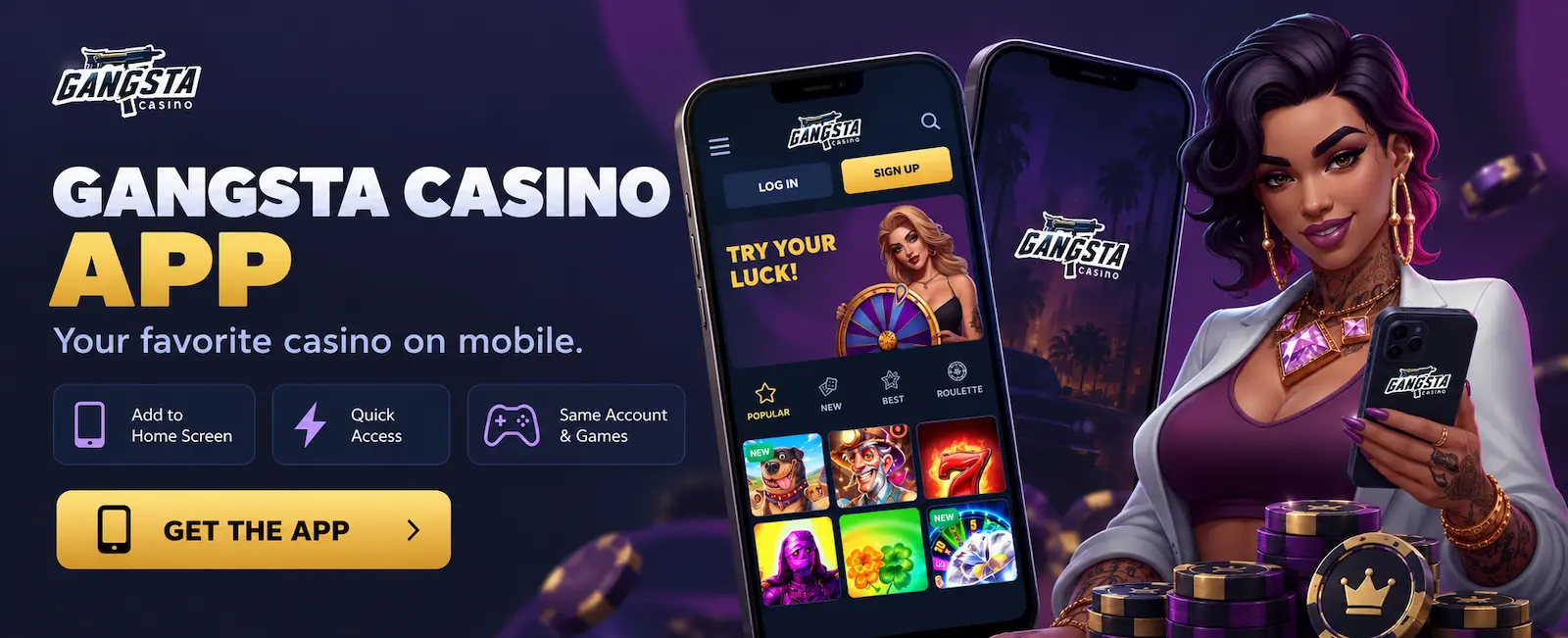
Gangsta Casino App Overview
The mobile version includes the main functions of the desktop site. Players can open games, manage their account, use the cashier and check current promotions.
The GangstaCasino app can also be added as a shortcut on supported devices, so users can launch the platform directly from the home screen.
| Feature | Details |
| Mobile access | Via mobile site or home-screen shortcut |
| Android | Works in supported browsers |
| iPhone and iPad | Available through Safari |
| Desktop installation | Available in supported browsers |
| Casino games | Mobile-compatible games available |
| Live Casino | Available on supported devices |
| Deposits and withdrawals | Managed through the cashier |
| Promotions | Available in the promotions section |
| Account management | Login, profile and verification |
| Installation | No third-party download needed |
| Updates | Applied automatically |
| Internet connection | Required for all main features |
How to Install the Gangsta Casino App
On supported browsers, Gangsta Casino can be installed directly from the website. There is no need to search third-party download websites.
For example, Chrome may display an installation icon in the address bar when the web app is available.
- Open the official Gangsta Casino website in a supported browser.
- Sign in or continue to the casino homepage.
- Find the installation option in the browser menu or address bar.
- Select Install or Add to Home Screen.
- Confirm the action.
- Open gaming site from the newly created icon.
The exact name and position of the installation option can differ between browsers and operating systems.
Install Gangsta Casino on Android
Android users can access Gangsta Casino directly through Chrome or another compatible mobile browser. Open the website and check the browser menu for an option such as Install App or Add to Home Screen.
Once added, the gambling site icon appears alongside other applications on the device. Tapping it opens the Gangsta Casino app without requiring players to enter the website address manually each time.
Use Gangsta Casino on iPhone and iPad
Gangsta Casino can also be accessed through Safari on iPhone and iPad. Players can simply use the mobile website or add a shortcut to the home screen.
To create a shortcut in Safari:
- Open Gangsta Casino.
- Tap the Share button.
- Select Add to Home Screen.
- Confirm the name and icon.
- Launch the gaming site from the home screen.
This method provides faster access while keeping the platform connected to the online website.
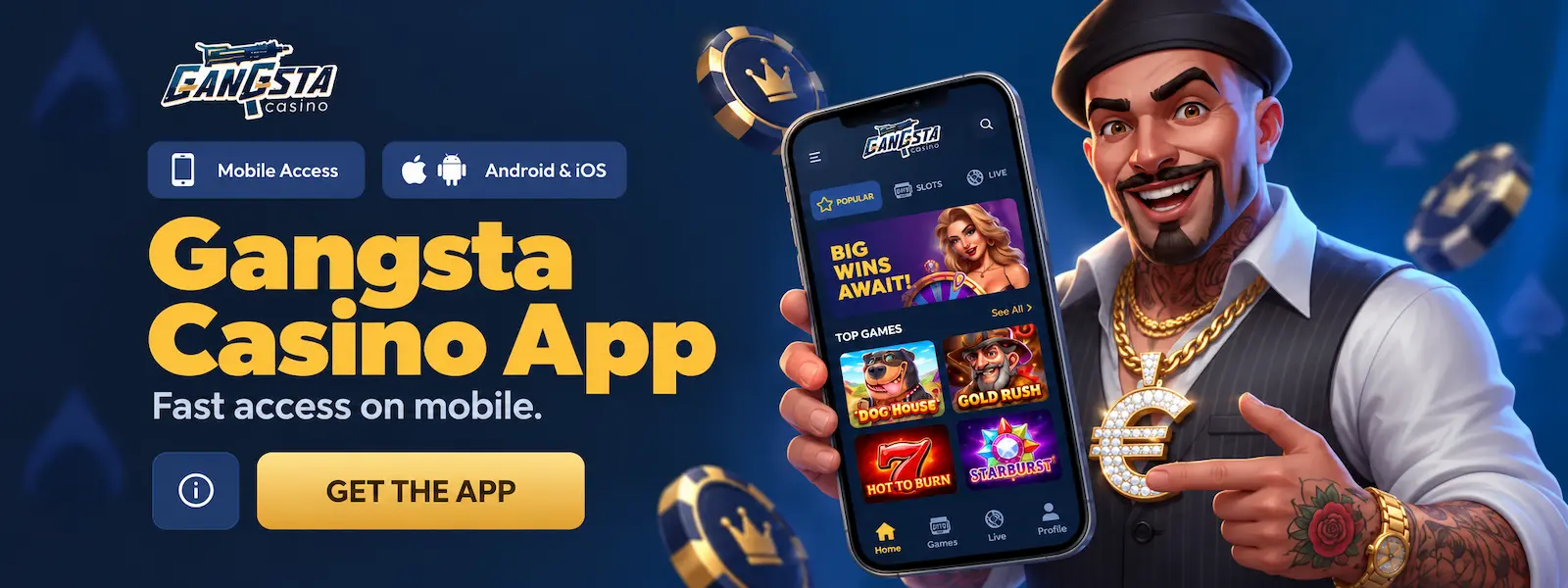
Gangsta Casino Mobile Experience
Gangsta Casino mobile is adapted for smaller screens and touch controls. Menus, games and account sections are easy to use on smartphones and tablets.
Players can access games, promotions, the cashier and profile settings from one mobile interface. Supported games adjust automatically to the screen size and can be played in portrait or landscape mode.
Games Available on Mobile
Players do not need a separate account or game library when using the app. The mobile version connects to the same Gangsta Casino platform and provides access to supported games available through the website.
Main categories include:
- Slots
- Live Casino
- Table Games
- Instant Games
- New Games
Availability of individual titles can depend on the provider and device.
Login and Account Management in the App
Players can use the same account details on mobile as on desktop. To log in through the Gangsta Casino app:
- Open Gangsta Casino from the browser or home-screen icon.
- Tap Login.
- Enter your registered email or username.
- Enter your password.
- Tap Sign In to access the account.
After login, users can open their profile, check verification status, review transactions and manage account settings.
Gangsta Casino Mobile vs Desktop Version
The mobile and desktop versions use the same Gangsta Casino account and provide access to the main platform features. The main differences are screen layout, navigation and controls.
| Feature | Mobile | Desktop Version |
| Interface | Adapted for smaller screens | Designed for larger displays |
| Controls | Touchscreen controls | Mouse and keyboard |
| Navigation | Compact mobile menus | More sections visible at once |
| Games | Mobile-compatible games | Full browser-compatible library |
| Screen Mode | Portrait and landscape | Wide-screen layout |
| Access | Browser or home-screen icon | Desktop browser |
| Payments | Available through mobile cashier | Available through desktop cashier |
| Account | Same player account | Same player account |
| Internet | Required | Required |
Players do not need separate accounts for mobile and desktop. They can switch between devices using the same login details and account balance.
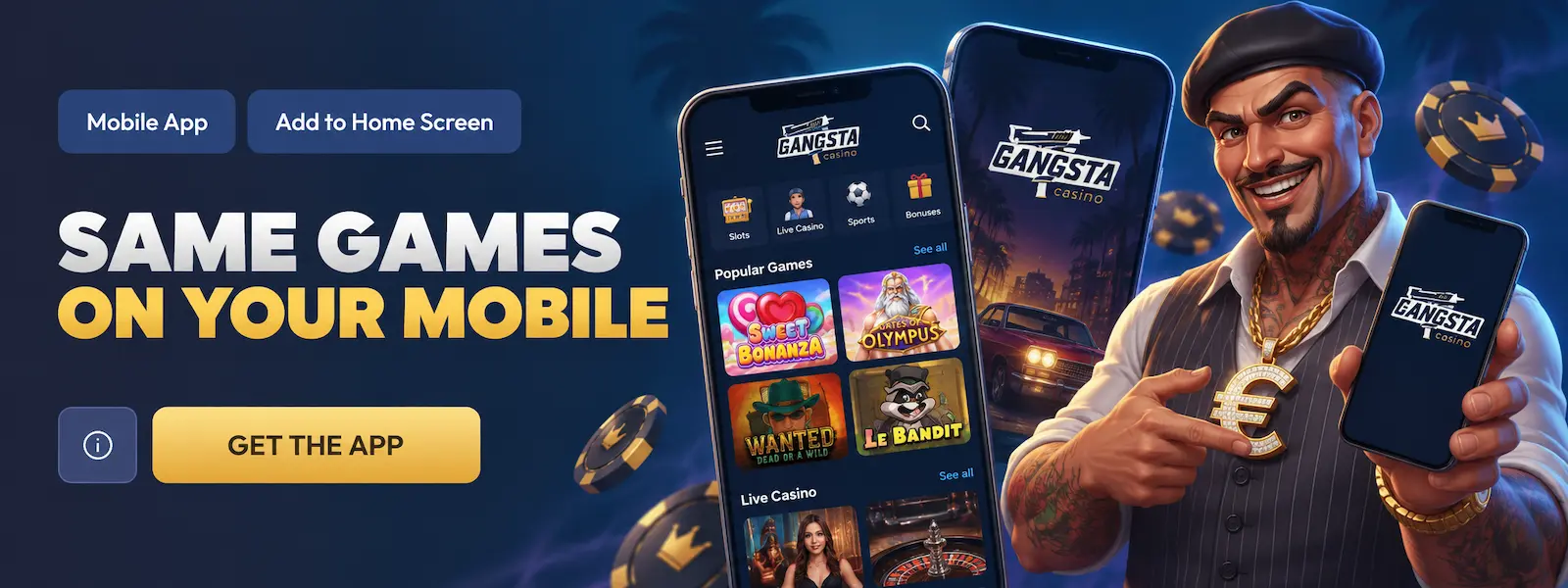
Performance and Usability
Gangsta Casino mobile is optimized for touch controls, compact menus and different screen sizes. Loading speed depends on the device, browser and internet connection, with a stable connection recommended for live games.
For quicker access, players can open platform from a mobile browser or add it to the home screen and start playing directly from their smartphone or tablet.
FAQ
Are all games available on Gangsta Casino mobile?
Most mobile-compatible games are available, although some titles may depend on the provider or device.
Is the Gangsta Casino app available for Android?
Yes. Android users can access it through a supported mobile browser and create a home-screen shortcut.
Can I use GangstaCasino on iPhone?
Yes. The platform works through Safari and can be added to the iPhone or iPad home screen.
Is the Gangsta Casino App safe to use?
Players should use only the official Gangsta Casino website when accessing or installing the app. Unofficial APK files and third-party download pages should be avoided. Account security rules remain the same on mobile and desktop.